This page contains affiliate links.
Photoshop
【2026】Adobe Photoshop Plans and Pricing, Offers and Discounts
This article outlines Adobe Photoshop’s plans, pricing and offers practical tips for getting it at a lower cost—useful for both new and existing users.

Categories : Adobe
Photoshop Official Page https://www.adobe.com/products/photoshop.html
About Photoshop
This article covers Adobe Photoshop’s plans and pricing.
Monthly plan exist but is costly — an annual plan is recommended for most users.
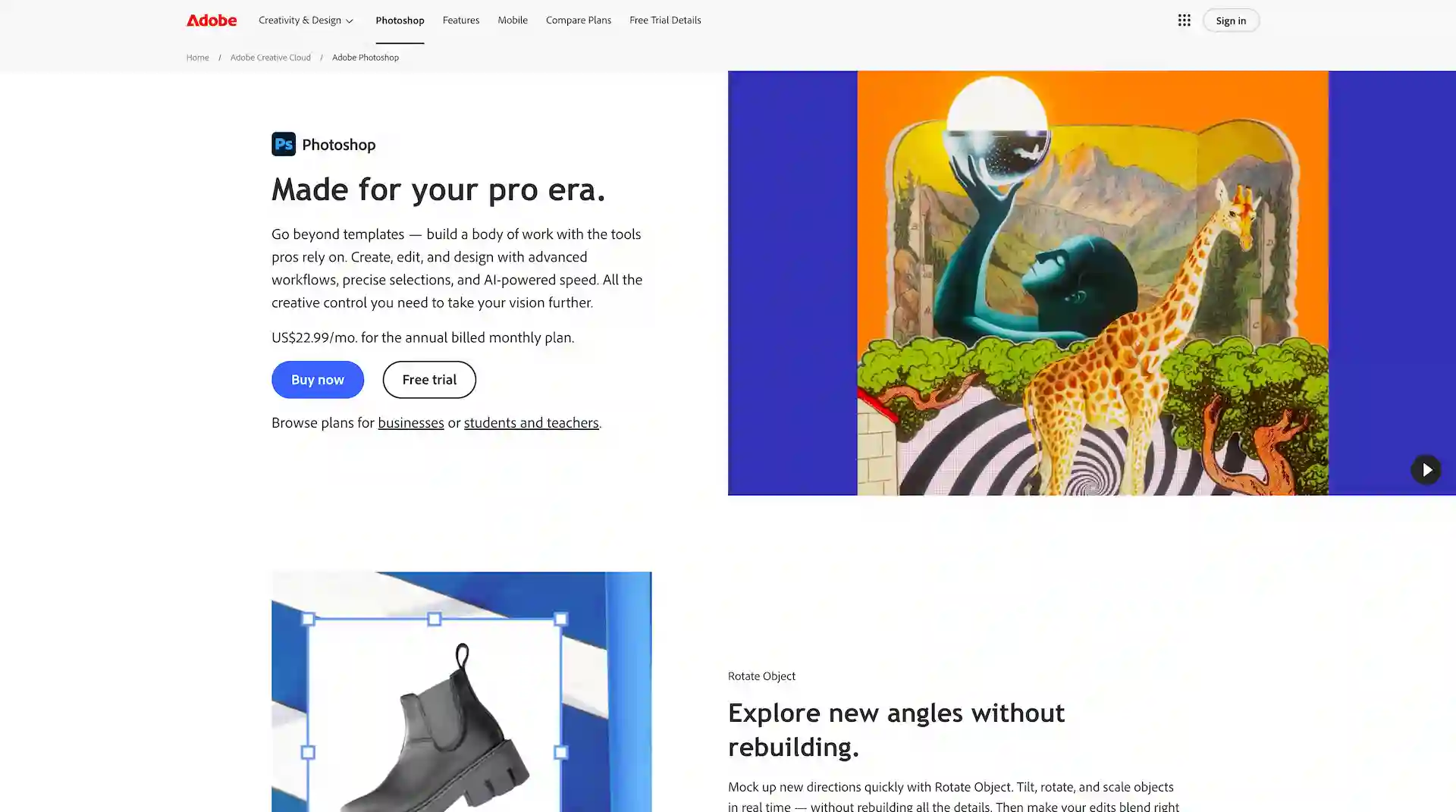
Adobe Photoshop Official Page
Photoshop Plans and Pricing
There are four subscription plans available for using Adobe Photoshop.
| Plan | Pricing | Notes |
| Photoshop | US$22.99/month | |
| Photography | US$19.99/month | Photoshop, Lightroom, Lightroom Classic |
| Creative Cloud Pro | US$69.99/month | 4,000 credits/mo for Firefly premium features. |
| Creative Cloud Standard | US$54.99/month | Photoshop on iPad, mobile are not included. |
* Annual, billed monthly
The Creative Cloud Pro, Standard plan includes access to 20+ Adobe applications, including Illustrator and Premiere Pro.
If you plan to use three or more apps, this is the most cost-effective option.
No Lifetime Plan
Adobe now uses a subscription-based model for all its plans.
While Photoshop isn’t available as a one-time purchase, you’ll always have the latest version with free updates.
4 Ways To Get Photoshop At A Lower Cost
There are four ways to get Adobe Photoshop at a lower cost :
1. Photography Plan
2. Adobe Sales
3. Annual Upfront Payment
4. Student Discount
Let’s take a closer look at each of these options.
1. Photography Plan
If you plan to use Photoshop, the Photography Plan is the most cost-effective option and highly recommended.
It includes both Photoshop and Lightroom for a great value.
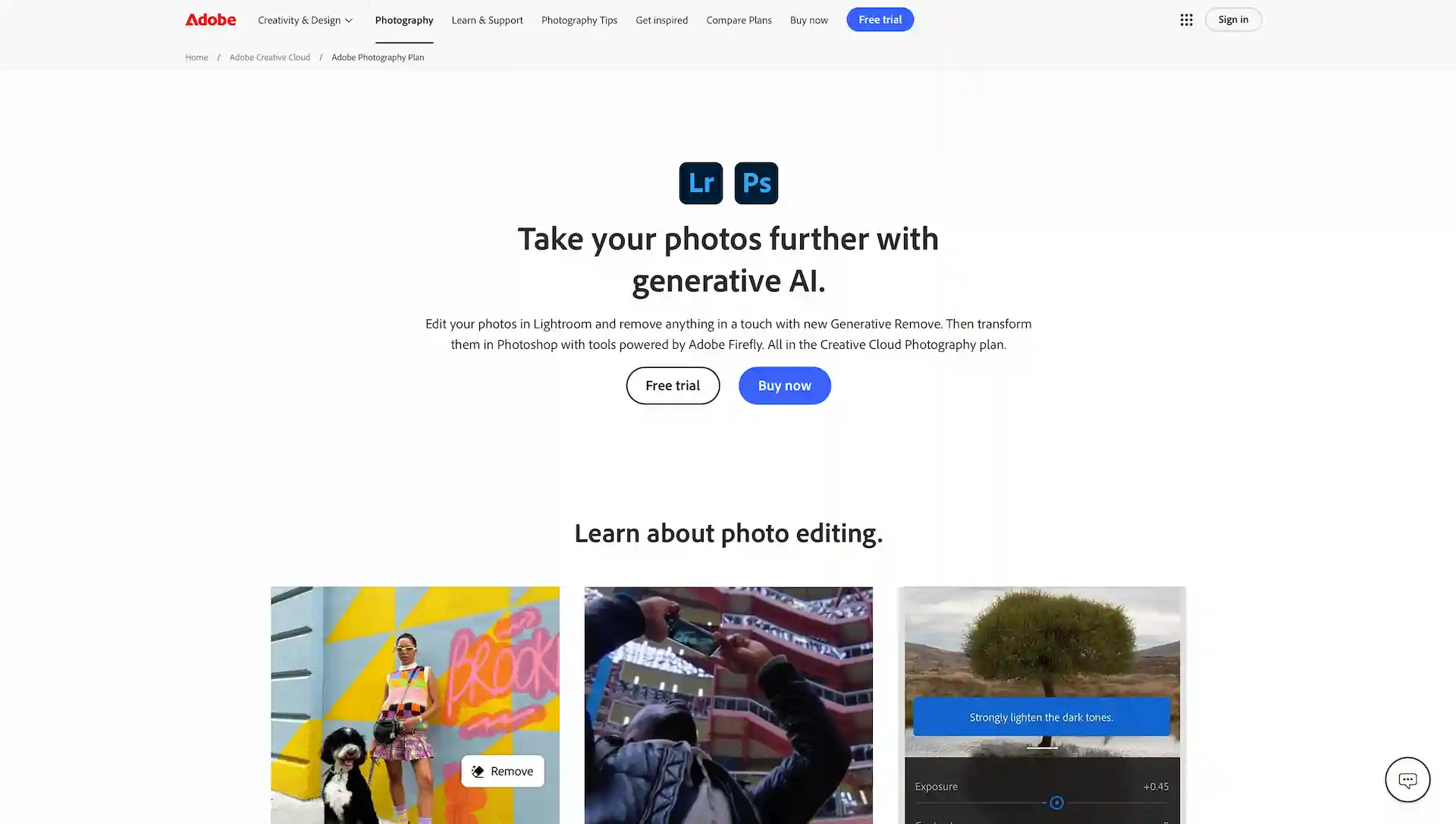
Photography Plan Official Page
The Photography Plan has no feature limitations and is always offered at a great price.
It includes 1TB of cloud storage—ten times more than the Single App plan—while still being more affordable.
If you’re using Photoshop, the photography plan is the best option available.
Photography Plan - US$19.99/mo
* Annual, billed monthly
2. Adobe Sales
Adobe occasionally runs limited-time sales, offering discounts of up to 50% on various plans.
Sales on Adobe’s official website
Adobe’s official sales are ideal for new Photoshop users, though they only happen a few times a year.
Purchases through the Creative Cloud site include the sale price and a 7-day free trial.

Adobe Photoshop (Single App Plan)
30〜50%OFF from US$22.99/mo (Annual, billed monthly)
Adobe’s official sales are limited to first-time subscribers, including those who haven’t used any Adobe plans before.
You can check the latest Adobe campaigns on this page;
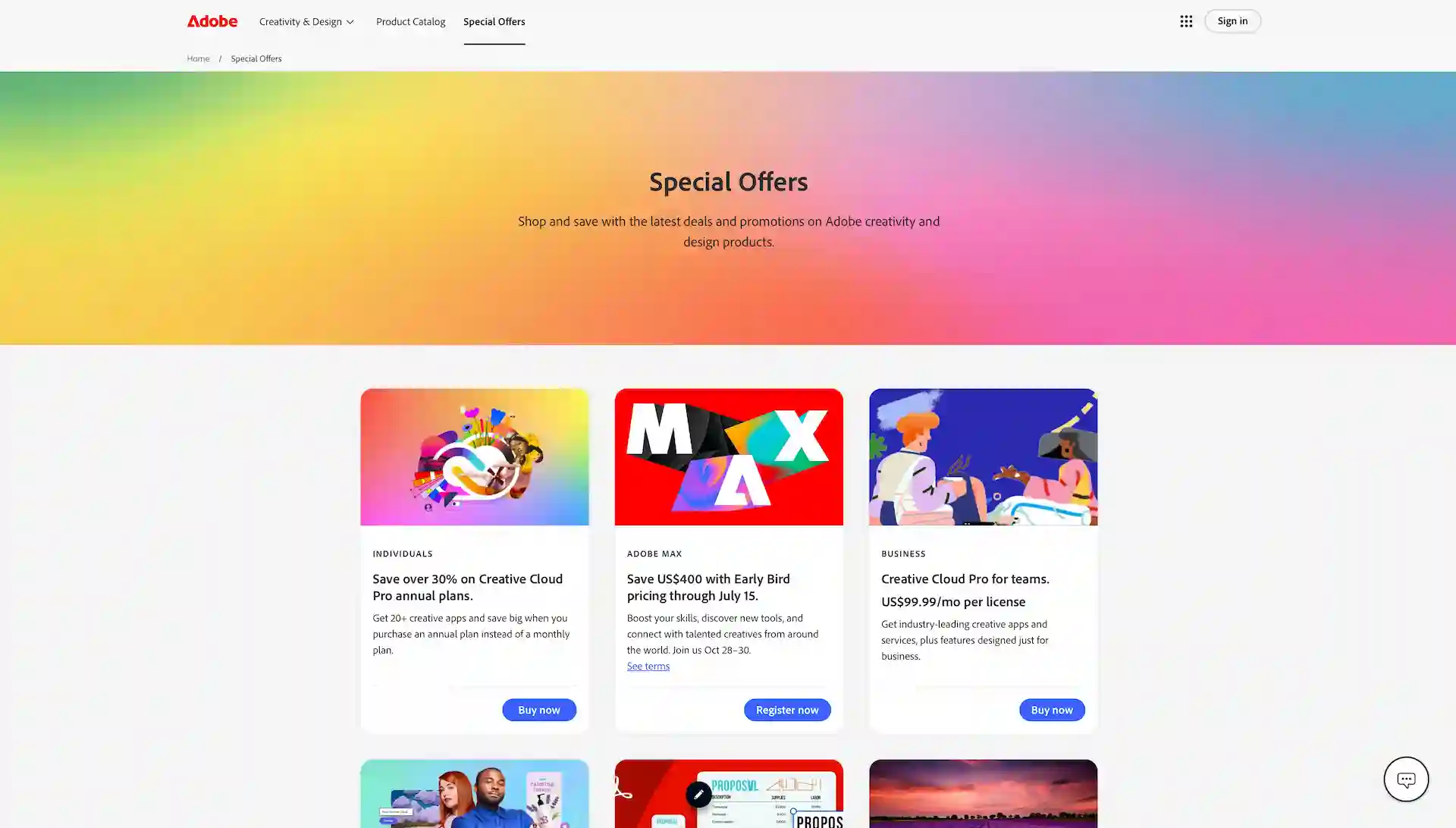
Adobe Special Offers Page
3. Annual Upfront Payment
For the Photoshop single app plan, paying annually upfront is cheaper than paying monthly.
Photoshop (Single App Plan) - Annual, Prepaid
US$263.88/yr
(Monthly Breakdown) US$22.99/mo ⇒ US$21.99/mo (5%OFF) Save US$12/year
Perfect for those who find monthly billing inconvenient.
4. Student Plan
The student plan offers the highest savings, letting you use the service for less than half the regular price.
Although it’s limited to the Creative Cloud Pro plan, this option offers much better value than the Photoshop single-app plan.
Adobe Student & Teachers
Adobe offers a discount for students and teachers, allowing access to the Creative Cloud Pro plan at 57% off.
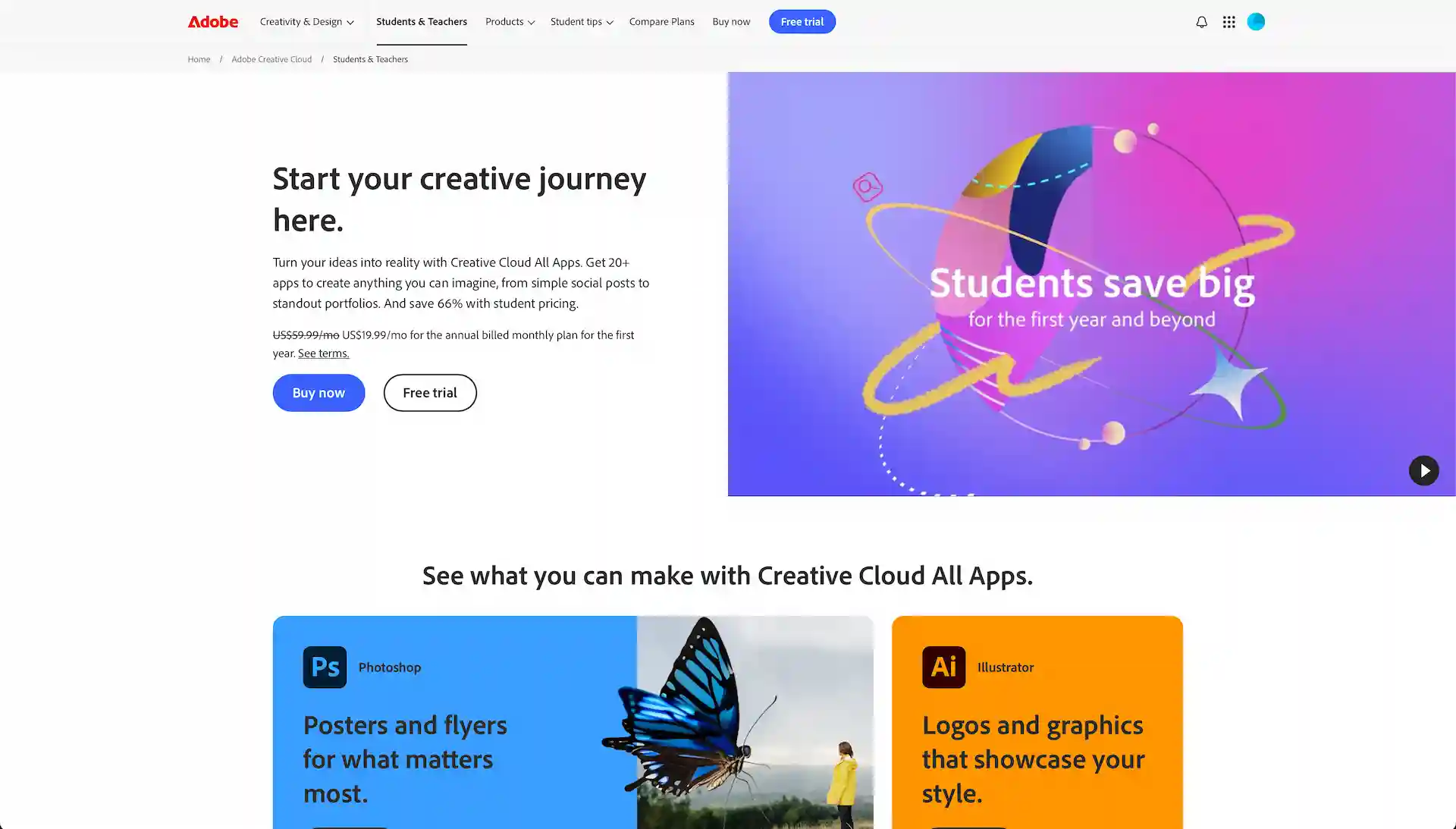
Adobe Students & Teachers Page
Creative Cloud Pro
US$69.99/mo ⇒ US$29.99/mo (57%OFF) Save US$480 per year
It’s even more affordable than the Photoshop single-app plan, making it a deal you shouldn’t miss.
There are no feature limitations, so students and educators should take full advantage of this exclusive benefit.
Conclusion
We’ve covered Photoshop’s pricing and how to use it more affordably.
Choose the plan that best fits your needs.
Adobe Photoshop Official Page