

Adobe Photoshop デスクトップ版に新機能が追加された。
アップデートには、2D 画像を 3Dオブジェクトのように回転させることができるオブジェクトを回転が含まれる。

デスクトップ版 Photoshop に面白い新機能が追加された。
・オブジェクトの回転
オブジェクトの回転 (Rotate Object) は 2D の画像を 3Dオブジェクトのように回転させて、角度や見た目を調整できる新しい編集機能だ。
回転は スピン, ティルト, ドリー の 3種類による調整が可能。
使い方は、
1. 適用させるオブジェクトを選択
2. 変形 (Ctr+T) コンテキストバーに表示されるメニューにて "オブジェクトを回転" を選択
3. 回転を調整して適用
1回につき Firefly 生成クレジットを 20 消費する。
回転の調整後は 調和 (Harmonize) 機能を使うことで、背景画像と馴染ませることができるので画像編集作業の短縮が見込める。
Adobe
オブジェクトの回転 に関しては、現在はベータ版のみの提供となっている (v27.5)。
デスクトップ版 Photoshop を利用できるユーザーは ベータ版アプリ一覧 または Creative Cloud デスクトップ版アプリから誰でもインストールしてアクセスが可能だ。
v27.6 アップデート (2026年4月) にて、製品版 Photoshop でも利用できるようになった。
Adobe Photoshop を利用できるプランは複数ある。
Photoshop が利用できるプランとして単体プランの他、フォトプラン, Creative Cloud Pro, Creative Cloud Standard が対象。
新機能をいち早く体験してみたい方は利用してみよう。
詳細情報
Adobe Photoshop は画像編集, レタッチ, イラスト制作などができるツールで、初心者からプロまで使用できる画像・写真編集ソフトだ。
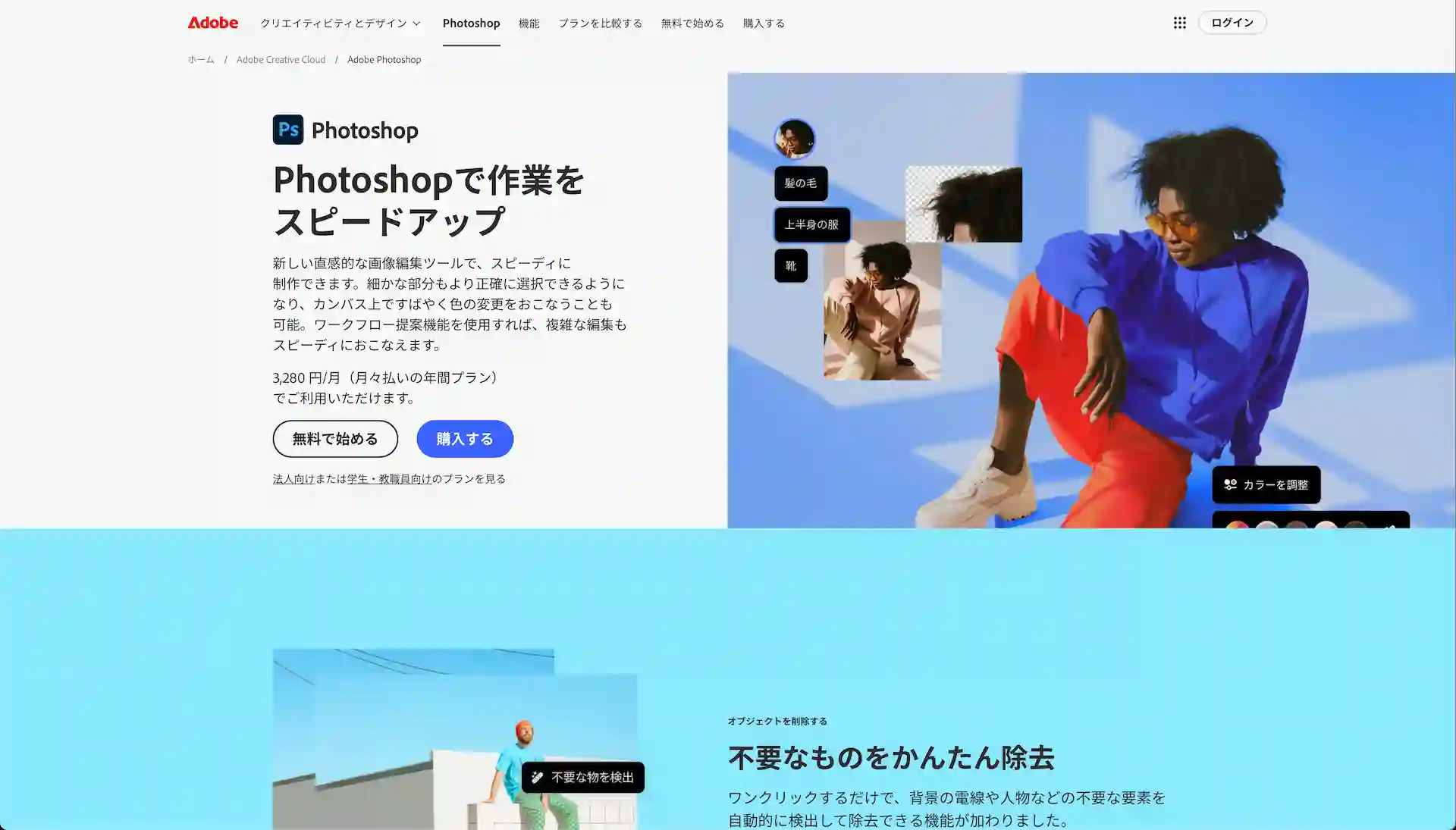
Photoshop 公式ページはこちら
Tags : Adobe Creative Cloud Photoshop
Photoshop 関連記事

08/05/2026

03/11/2026

01/29/2026
あわせて読みたい









design-offset.com
新着記事
10/23/2026
10/21/2026
08/08/2026