
This page contains affiliate links.
Premiere Pro
【2026】Adobe Premiere Pro for Teams and Business: Pricing and Plans
In this article, we will explain the plans and pricing for the Adobe Premiere Pro for teams plan (for businesses).
Its pricing and features are different from the Individual plan.

Categories : Adobe
On-going Adobe Campaigns
Cyber Monday Sale 2025
For a Limited Time, Get 40% Off Adobe Creative Cloud Pro for Teams for the first 12 months.
Offer ends February 2 (Mon).

Adobe Creative Cloud for Teams Official Page
* Offers may differ based on regions and countries.
Adobe Premiere Pro for teams Official Page
https://www.adobe.com/creativecloud/business/teams/premiere-pro.html
About Premiere Pro
Premiere Pro is a professional-grade video editing tool.
It offers a wide range of features such as cutting, color grading, and audio adjustment, making it suitable for everything from social media and YouTube videos to full-scale film production.
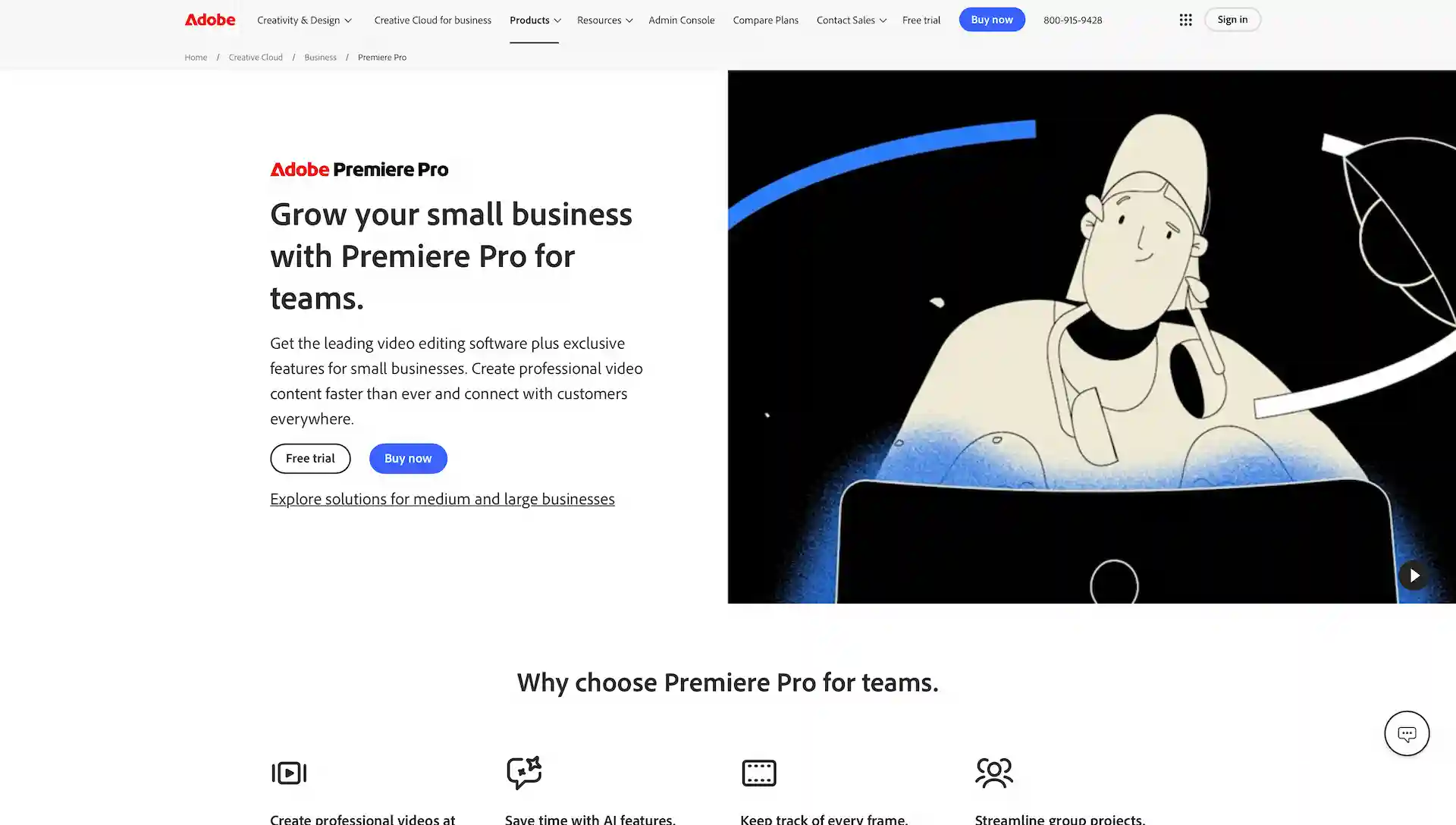
Premiere Pro for teams Official Page
https://www.adobe.com/creativecloud/business/teams/premiere-pro.html
The Teams plan is designed for sole proprietors and small to medium-sized businesses (SMBs), typically for organizations requiring about 2 to 50 licenses.
Its plan structure and pricing are also different from the individual plans.
For Large Businesses
For large organizations that typically require 50 or more licenses, the Enterprise plan is the recommended option.
Details and inquiries regarding the Adobe Enterprise plan can be found here.
Premiere Pro Plans and Pricing for Teams
There are two subscription plans that include Premiere Pro for teams.
| Plan | Pricing | Notes |
| Premiere Pro | US$37.99 per month | |
| Creative Cloud Pro | US$99.99 per month | 4,000 credits/mo for Firefly premium features. |
* Annual, billed monthly
The Creative Cloud Pro plan gives you access to all of Adobe's 20+ creative apps, including Photoshop and After Effects.
For the Teams version, the Pro plan is recommended if you use two or more Adobe apps.
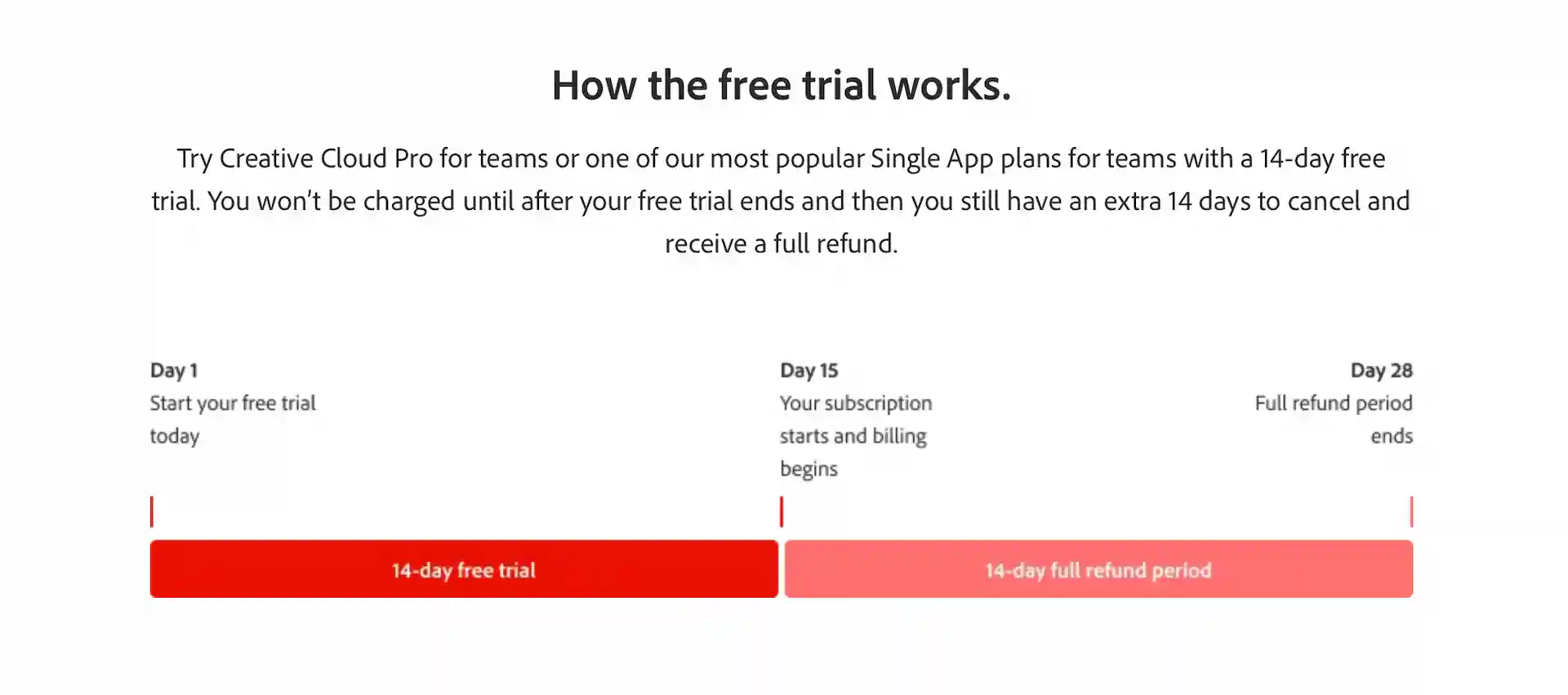
A 14-day free trial is available for either plan.
Adobe
As the image illustrates, Adobe offers a full refund if you cancel within the first 14 days of your paid subscription.
By combining this 14-day grace period with the 14-day free trial, you can effectively use Premiere Pro for 28 days at no cost.
Features and Benefits of the Business & Teams Plans
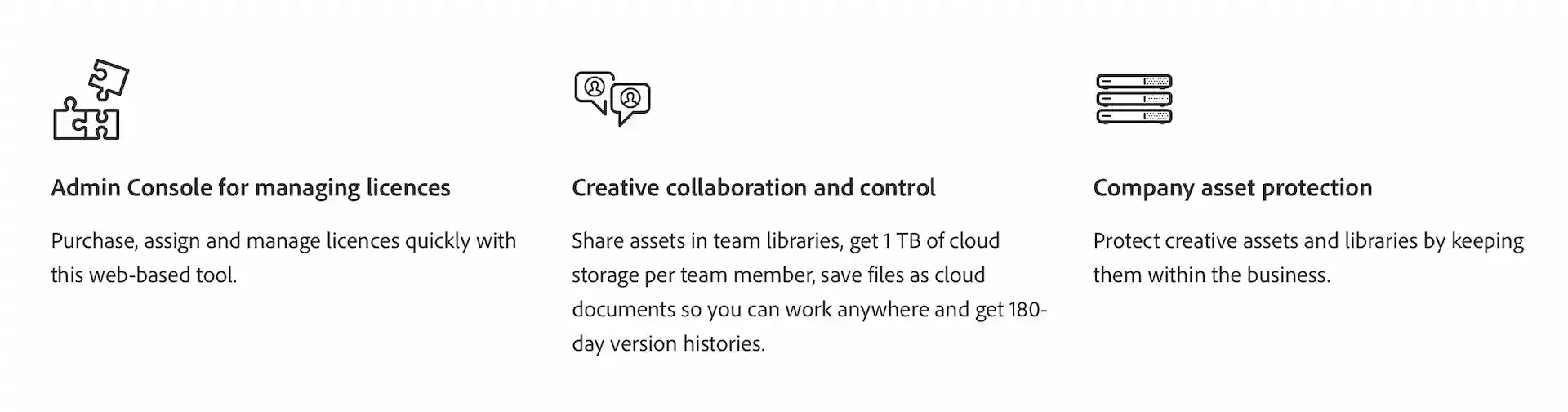
The Teams plan includes all the features of the Individual plan, and also has the following additional features and benefits:
Adobe
10x More Storage Than the Individual Plan
Each license in the Teams plan comes with 1TB of cloud storage.
This is 10 times the storage capacity of the Individual plan.
It also includes a 180-day version history for files saved in the cloud.
Access to Team Features
You get access to tools like the Admin Console for centralized license management and Team Libraries for sharing assets across the group.
Volume Discounts
Volume discounts are available when purchasing 10 or more licenses.
These discounts are not applied to online purchases, so you must contact Adobe directly by phone.
For inquiries about the Adobe for Teams plan, click here.
Conclusion
In this article, we've explained the pricing and plans for the Premiere Pro Business and Teams versions.
If you use two or more Adobe apps, we recommend the Creative Cloud Pro for teams plan.
Premiere Pro for teams Official Page
https://www.adobe.com/creativecloud/business/teams/premiere-pro.html
You May Also Like

Adobe Firefly Adds Luma AI Ray 3.14; Supports “Modify Video” for AI Video Editing

Adobe Firefly Launches Unlimited AI Image and Video Generation Campaign Through March 16

【2026】How To Get Adobe Lightroom for Only One Month: Pricing and Ways to Save

【2026】Adobe Lightroom Classic Plans and Pricing, Offers and Discounts



EN / JP
tag goes here
design-offset.com
Latest Posts
ビルバオ空港から市街地までの移動について解説していきます。
ビルバオは街がコンパクトなのでまわりやく、食事もおいしく物価も安いのでグルメ巡りなど最高に楽しい街です。