
This page contains affiliate links.
Photoshop
【2026】How to Get Adobe Photoshop for Only One Month: Pricing and Ways to Save
In this guide, we cover if you can get Adobe Photoshop for only a month and how much it costs.
We also break down how many months you can subscribe before the annual plan becomes the better deal.

Categories : Adobe
On-going Adobe Campaigns
Cyber Monday Sale 2025
Adobe Cyber Monday Sale is Live! Save 50% on Creative Cloud Pro.
Sale ends on December 7 (Sun).

Adobe Creative Cloud Official Page
Adobe Photoshop Official Page
About Photoshop Monthly Plan, Pricing
In conclusion, you can use Photoshop for just one month.
Adobe has a monthly (month-to-month) plan available that lets you use Photoshop by renewing your contract each month.
The price is as follows;
Adobe Photoshop, Monthly Plan
US$ 34.49/month
It is more costly than the annual plan.
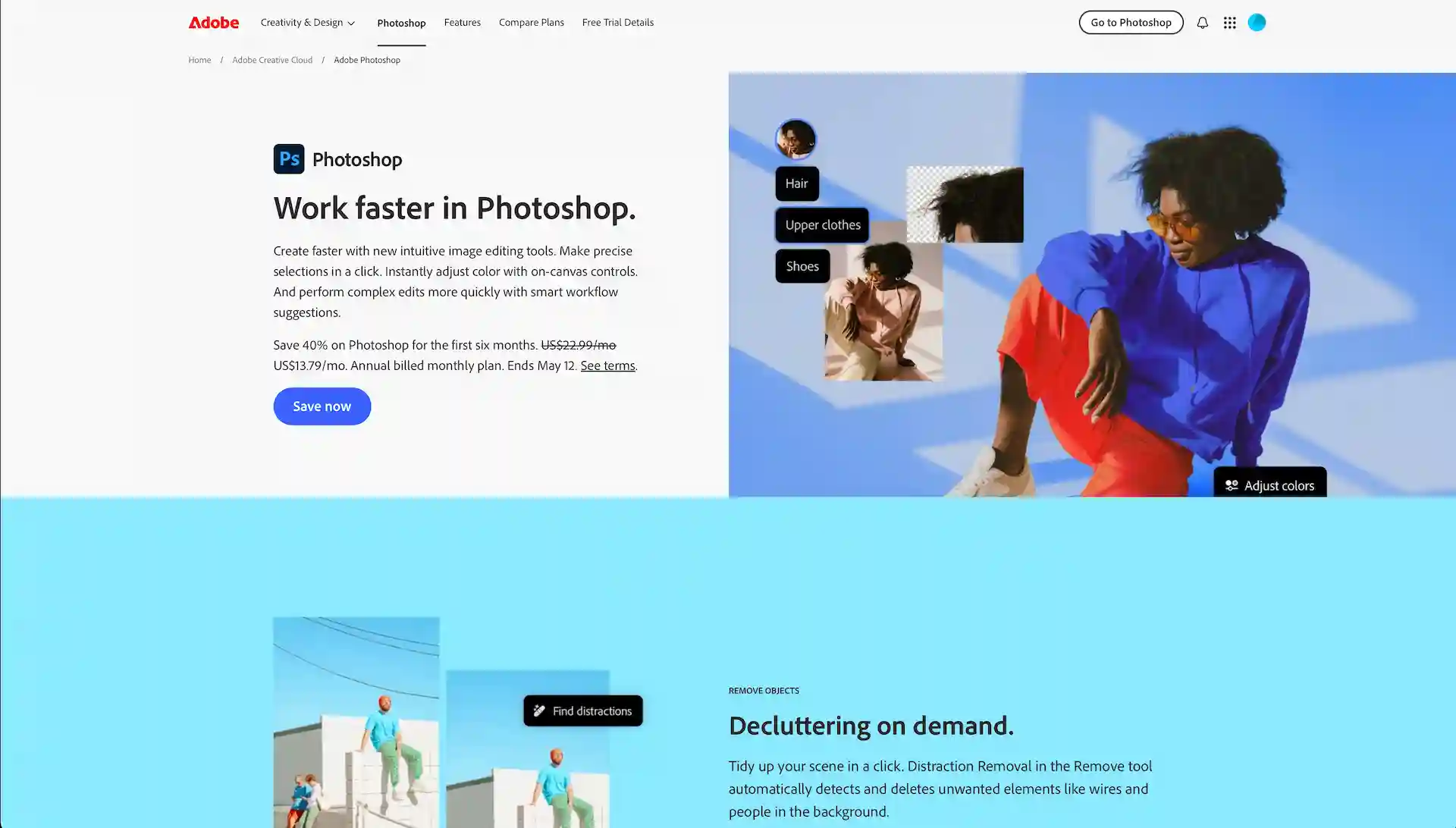
Adobe Photoshop Official Page
Pros of the Monthly Plan
With the monthly plan, you can cancel anytime without a fee.
It’s perfect for users who need Photoshop for a short-term, intensive project.
Sales Don’t Apply to the Monthly Plan
Although Adobe offers sales and promotions a few times a year, these discounts do not apply to the monthly plan.
Therefore, the price for this plan is the same year-round.
Subscribing to the Monthly Plan
You can only subscribe to the monthly plan through the official Adobe website.
Please follow the steps below;
1. Visit the official Photoshop (https://www.adobe.com/products/photoshop.html) page.
2. Select the “Buy Now” button.
3. On the plan selection screen, choose the “Monthly” plan.
After that, follow the prompts to create an Adobe ID and input your payment details.
Automatic Renewal for the Monthly Plan
The monthly plan automatically renews every month unless you cancel.
If you cancel after making a payment, you can continue to use the service until your next renewal date. So, if you know you won’t be using it the following month, it’s best to cancel in advance.
Also, if you plan on using Photoshop for a long period, you might want to consider switching to the annual plan.
Price Comparison with the Annual Plan
The monthly plan is priced higher compared to the annual plan.
Let’s simulate how many months of use per year would make the monthly plan cheaper and a better deal than the annual plan.
Here are the prices for the Photoshop single-app plan by subscription type;
Photoshop
| Monthly | Annual, Billed Monthly | Annual, Prepaid |
| US$ 34.49/mo | US$ 22.99/mo | US$ 263.88/yr |
The Monthly plan is priced at approximately 1.5 times the cost of the “Annual, billed monthly” (US$34.49 / US$22.99 = 1.50…).
This means that if you use the Monthly plan for 8 months within a year (12 months / 1.5 = 8), the total amount paid will be roughly the same as the annual plan.
Furthermore, when compared to the “Annual, prepaid,” the total payment amount is nearly the same after using the month-to-month plan for 8 months (US$263.88 / US$34.49 = 7.6…).
Here are the conclusions based on this analysis:
The Photoshop Monthly plan is the cheaper option if you need it for 7 months or less annually.
Conclusion
In this article, we’ve covered the details of using Photoshop on a monthly subscription.
The advantage of the monthly plan is its flexibility, so it is recommended for those who plan to use it intensively for a short period, or for those who only use it occasionally.
Adobe Photoshop Official Page





tag goes here
design-offset.com
Latest Posts
ビルバオ空港から市街地までの移動について解説していきます。
ビルバオは街がコンパクトなのでまわりやく、食事もおいしく物価も安いのでグルメ巡りなど最高に楽しい街です。