This page contains affiliate links.
Photoshop
【2026】How to get Adobe Photoshop for free, 2 official ways
There are two official ways to access Photoshop in Adobe Creative Cloud for free.
This article will walk you through both options.

Categories : Adobe
On-going Adobe Campaigns
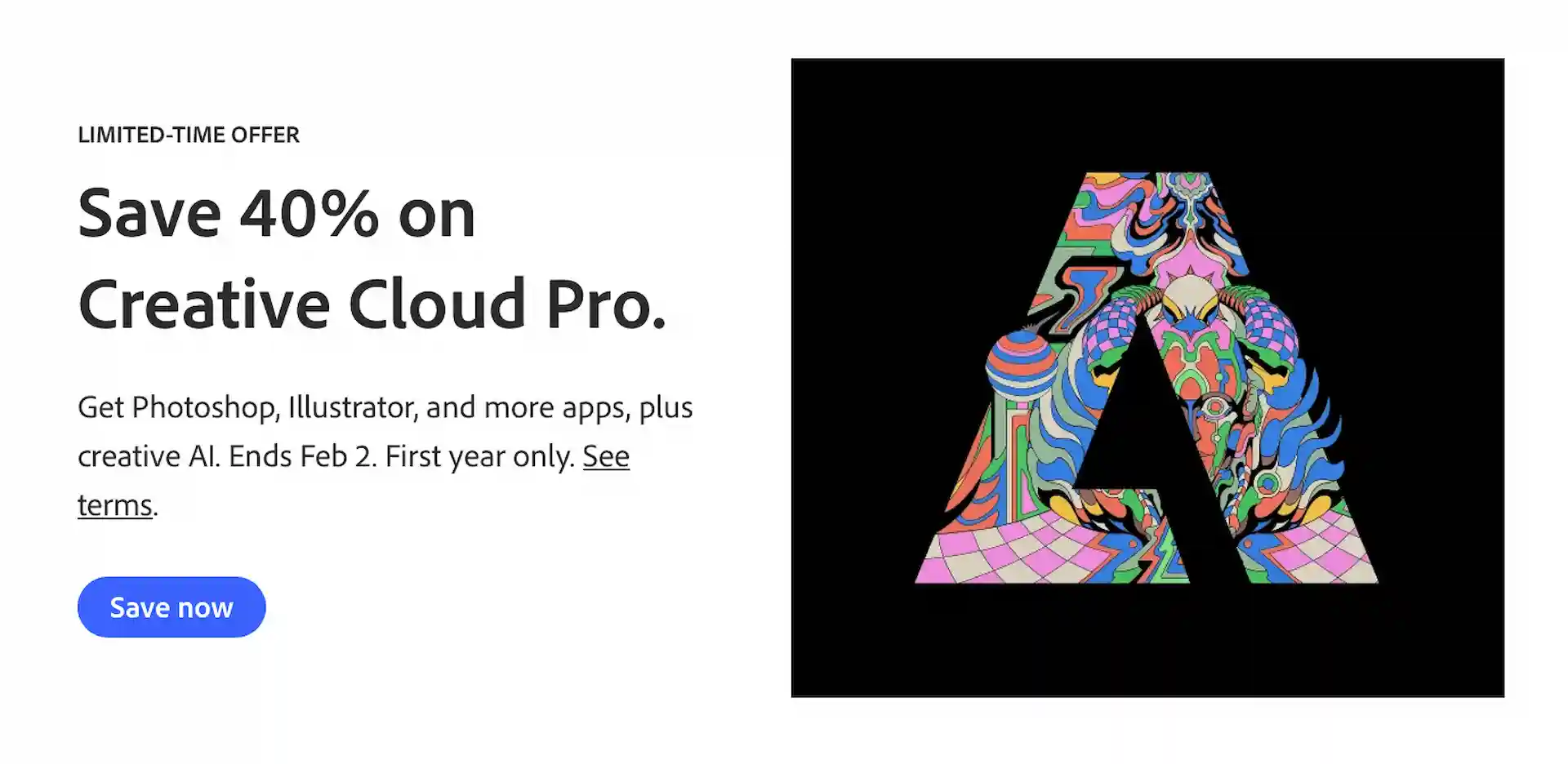
For a limited time, Save 40% on Creative Cloud Pro for the first 12 months.
Offer ends on February 2 (Mon).
Adobe Creative Cloud Official Page
* Offers may differ based on regions and countries.
Adobe Photoshop Official Page
About Photoshop
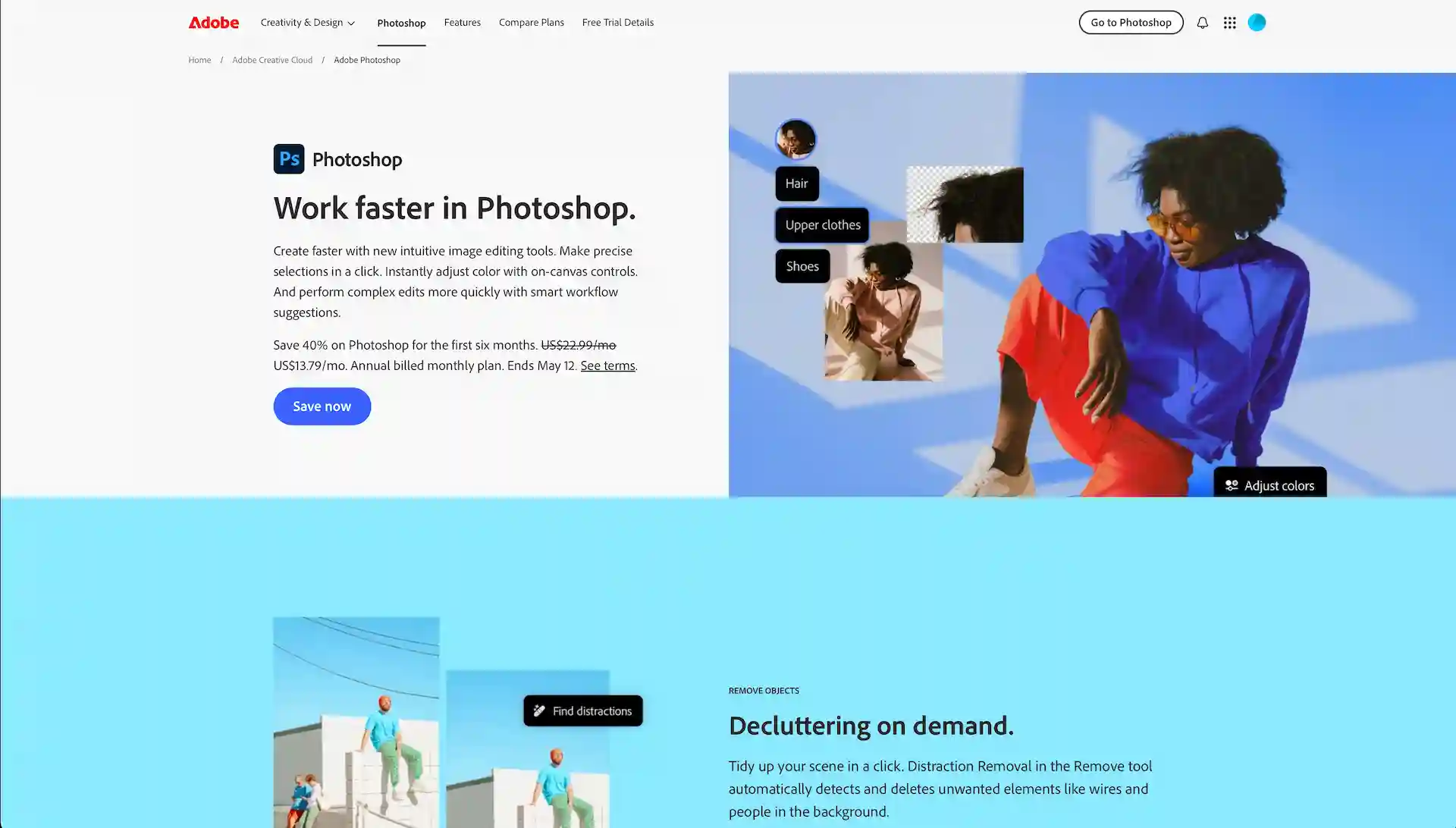
Photoshop is a tool for image editing, retouching, and illustration creation.
While it is a professional-grade photo and image editing software, it also offers advanced AI-powered features that make it easy for beginners to perform complex tasks with simple operations.
Adobe Photoshop Official Page
2 Ways To Use Photoshop For Free
There are two ways to use Adobe Photoshop for free :
1. Try the free trial of Photoshop
2. Earning downloads on Adobe Stock
Let’s take a closer look at each of these options.
1. Try The Free Trial Of Photoshop
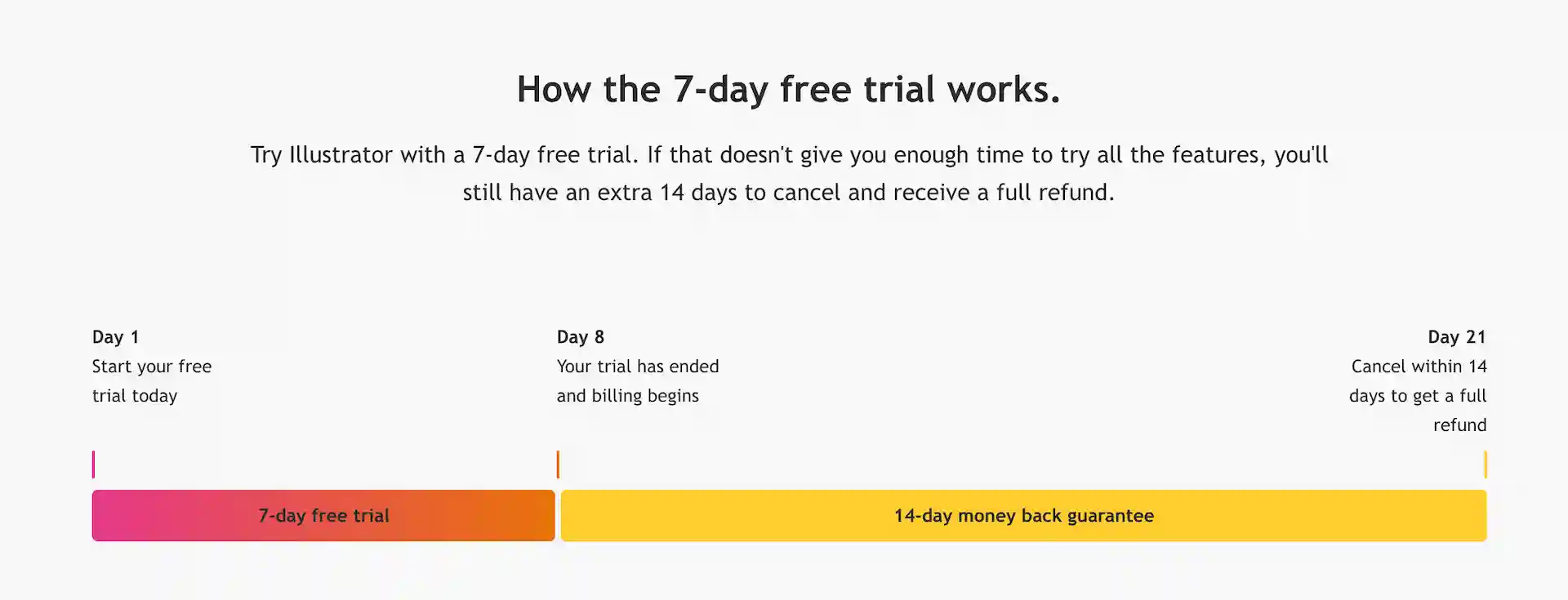
You can use Photoshop for free for the first 7 days with Adobe’s official free trial.
There are four subscription plans available for using Adobe Photoshop.
| Plan | Pricing | Notes |
| Photoshop | US$22.99/month | |
| Photography | US$19.99/month | Photoshop, Lightroom, Lightroom Classic |
| Creative Cloud Pro | US$69.99/month | 4,000 credits/mo for Firefly premium features. |
| Creative Cloud Standard | US$54.99/month | Photoshop on iPad, mobile are not included. |
* Annual, billed monthly
A free trial is available with every plan.
To start your free trial, simply select a plan by clicking the “Free Trial” button.
Even during the trial, you’ll have full access to all the features of the full version.
Adobe
As shown above, you can cancel within 14 days after starting a plan and receive a full refund, meaning you can effectively use Illustrator for free for up to 21 days.
About three weeks should be enough time to try out the main features of Photoshop and get a feel for how it works.
2. Earning Downloads On Adobe Stock
If you want to keep using Photoshop for free, consider becoming a contributor (content seller) on Adobe Stock.
By reaching a certain number of sales within a year, you can qualify for the bonus program, which grants you a free 1-year license for the Photography plan.
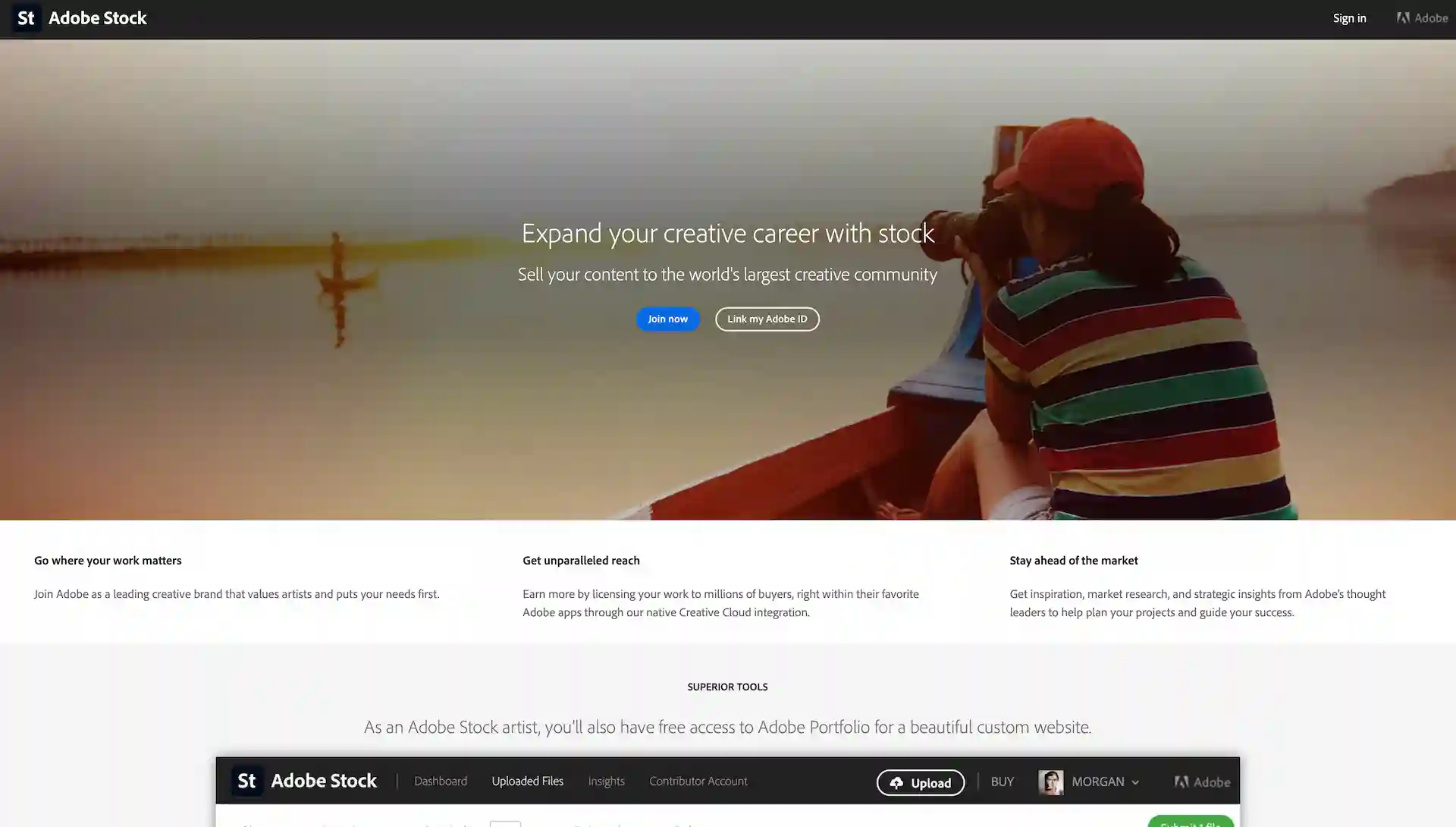
Adobe Stock Contributor Page
Anyone with an Adobe account can become a contributor for free and sell their work created with Photoshop or other tools.
Here are the requirements to qualify for the bonus program:
・Sell over 350 assets on Adobe Stock in one year
・Be an active contributor
Once you meet the requirement, it becomes easier to qualify again in the following years - allowing you to continue using Photoshop for free.
An active contributor is defined as a user who submits and gets approval for more than 150 new assets per year.
The threshold isn’t too high, so it could be a good opportunity to give it a try.
Learn more about the bonus program here.
Special Offers On Adobe
You can find the special offers such as latest deals, promotions, and discounted plans on Adobe’s official website.
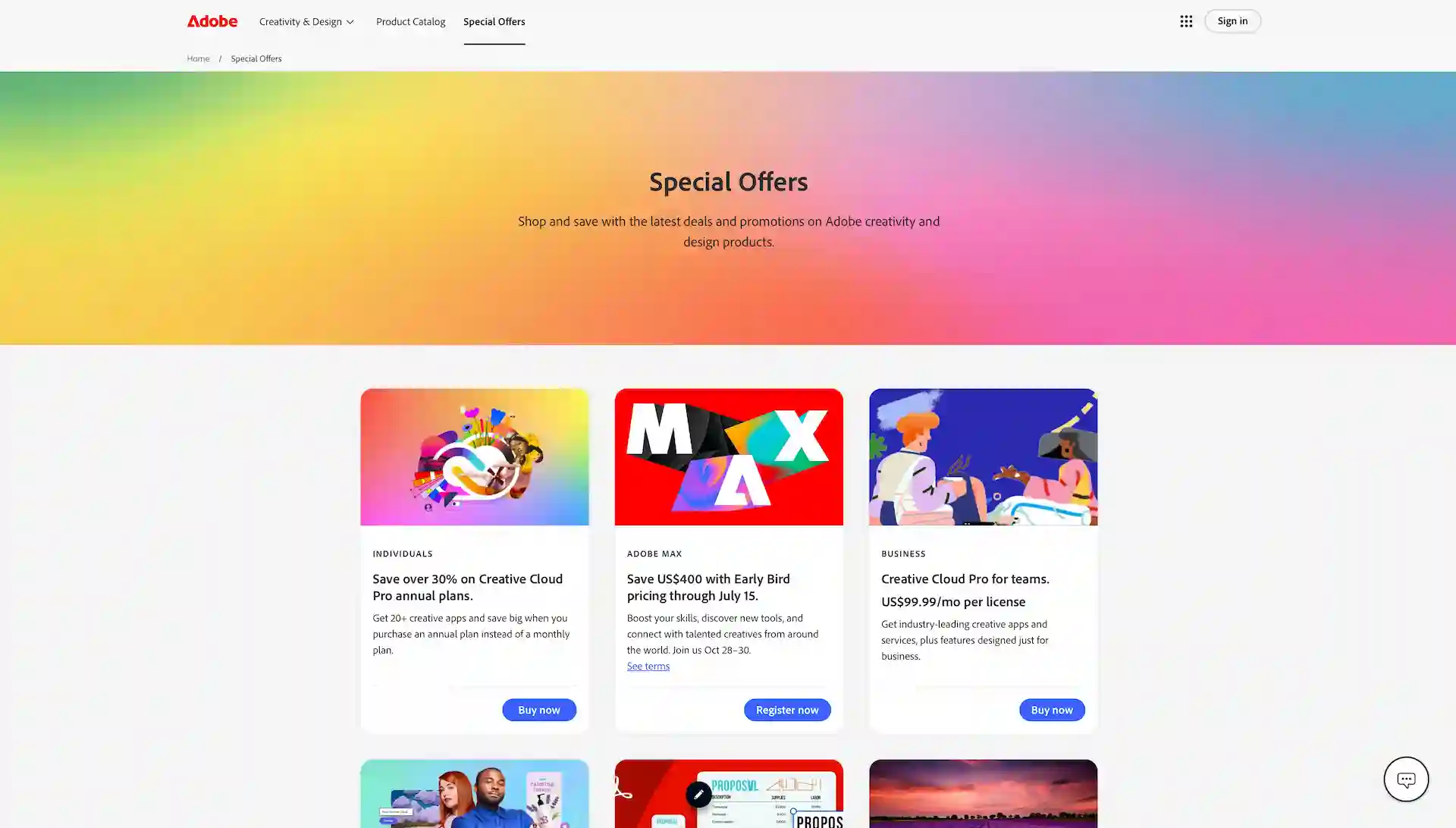
Adobe Special Offers Page
It’s worth checking out if you’re interested.
Conclusion
We’ve explained how you can use Photoshop for free.
Start by taking advantage of the free trial.
Becoming a contributor on Adobe Stock could open the door to continued free access down the line.
Adobe Photoshop Official Page