
当記事は広告を含みます
Substance 3D
Adobe Substance 3D Painter, Designer 2026 が Steam に登場 買い切り版
Publish Date on 03/26/2026
ゲーム配信プラットフォーム Steam にて 3月18日(水) より、Adobe Substance 3D Painter, Designer 2026 が登場。
最新版の購入が可能となっている。
Categories : Substance 3D | NEWS
Your content goes here. Edit or remove this text inline or in the module Content settings. You can also style every aspect of this content in the module Design settings and even apply custom CSS to this text in the module Advanced settings.
2026年版の Adobe Substance 3D シリーズが登場した。
Substance 3D の買い切り版は Steam 経由でのみ購入することが可能となっている。
価格はそれぞれ以下のようになっている:
Adobe Substance 3D Painter 2026 (ペインター) ¥22,000 (税込)
Adobe Substance 3D Designer 2026 (デザイナー) 近日登場予定
それぞれアプリ単体で販売されている 2026年版 の買切り版で、2027年3月までのアップデートは無料で受けることができる仕様だ。
Painter はすでに販売が開始されているが、Designer は後日発売開始となる。

Adobe
また、Steam では Modeler を含めた3つのアプリがセットとなったサブスクリプションプランも利用可能となっている。
Substance Indie Monthly Subscription ¥2,800/月 (税込)
セット内容 : Substance 3D Painter, Modeler, Designer + Substance Asset 1,000種類
こちらは、プランの利用中であれば常に最新バージョンのアプリを利用できる。
Steam にて販売されている各 Substance 3D アプリの概要を知りたい場合は、Adobe 公式サイトにて確認できる。
Substance 3D Painter はこちら:
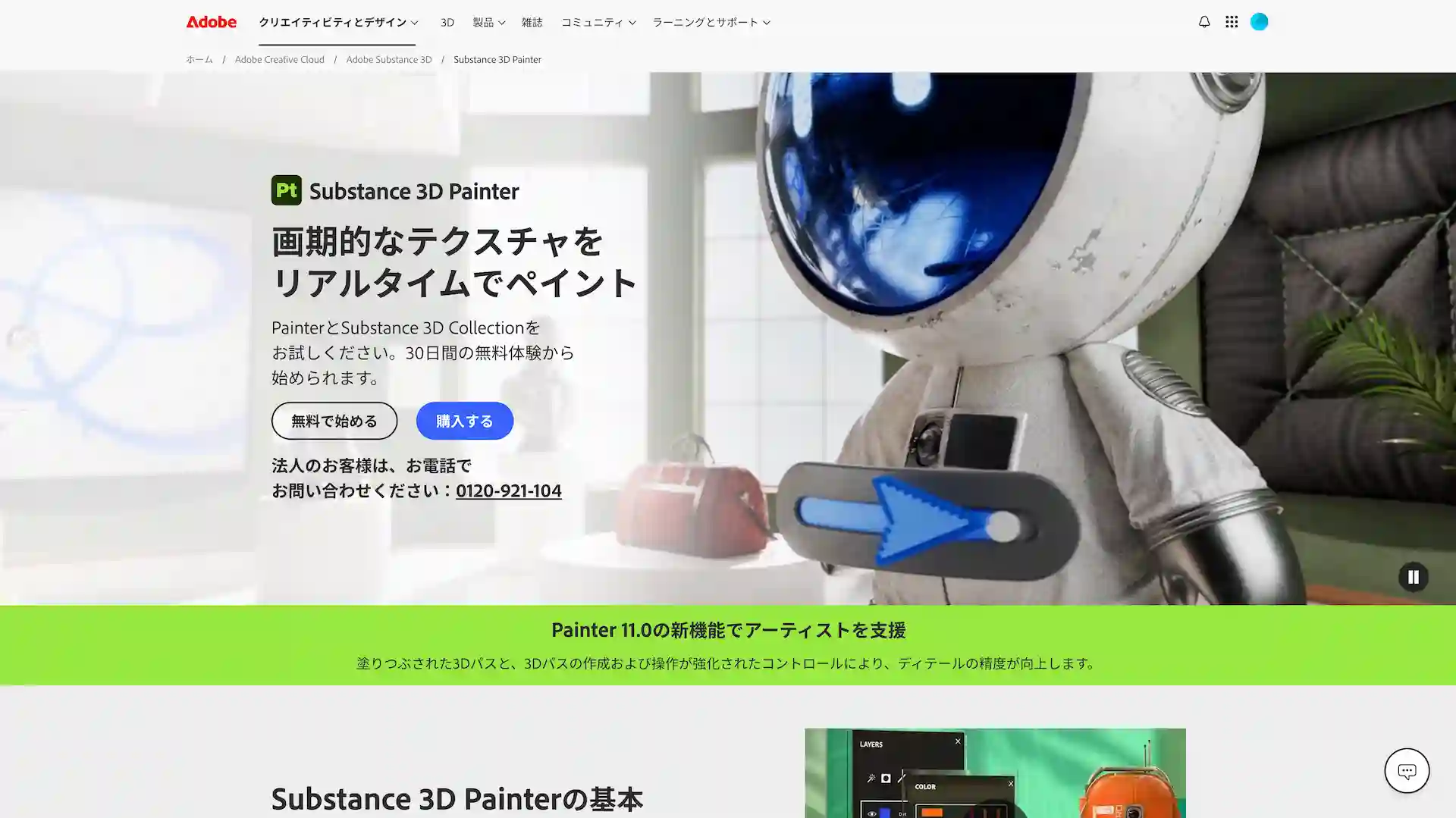
Substance 3D Painter 公式ページはこちら
Substance 3D Designer はこちら:
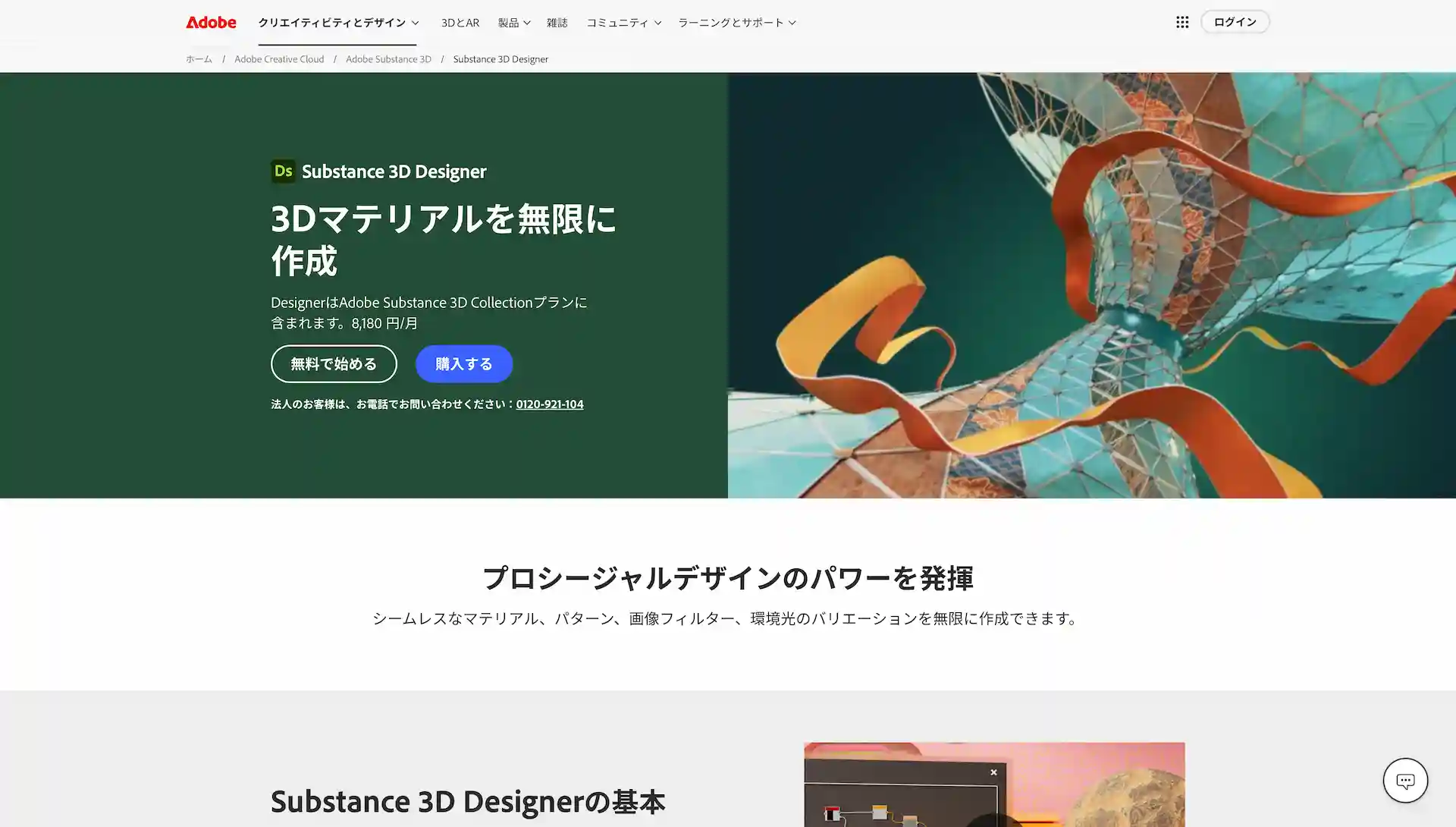
Substance 3D Designer公式ページはこちら
今回追加された新機能などの情報はこちらから確認できる(英語): https://blog.adobe.com/en/publish/2026/03/09/more-control-less-friction-texturing-workflows-latest-substance-3d-innovations
買切り版は、来年以降大きな機能追加があった場合はアップデート対象から外れ、再度2027年版を購入する必要が生じる可能性があることは理解しておこう。
Adobe 公式サイトでは買い切り版の販売はなく、Steam から購入する必要がある。
Steam で販売されているサブスクリプションプランと Adobe で提供されているものでは異なるアプリの組み合わせとなっているので、自身のニーズに合わせたプランの利用をおすすめする。
詳細情報
Adobe の 3Dデザイン制作ツール Substance 3D は、Adobe 公式 または Steam から購入が可能だ。
* Substance 3D Modeler は Windows版のみ対応、Mac版は非対応のため注意
* Painter, Designer 2026 は Intel プロセッサーの Mac との互換性なしのため注意
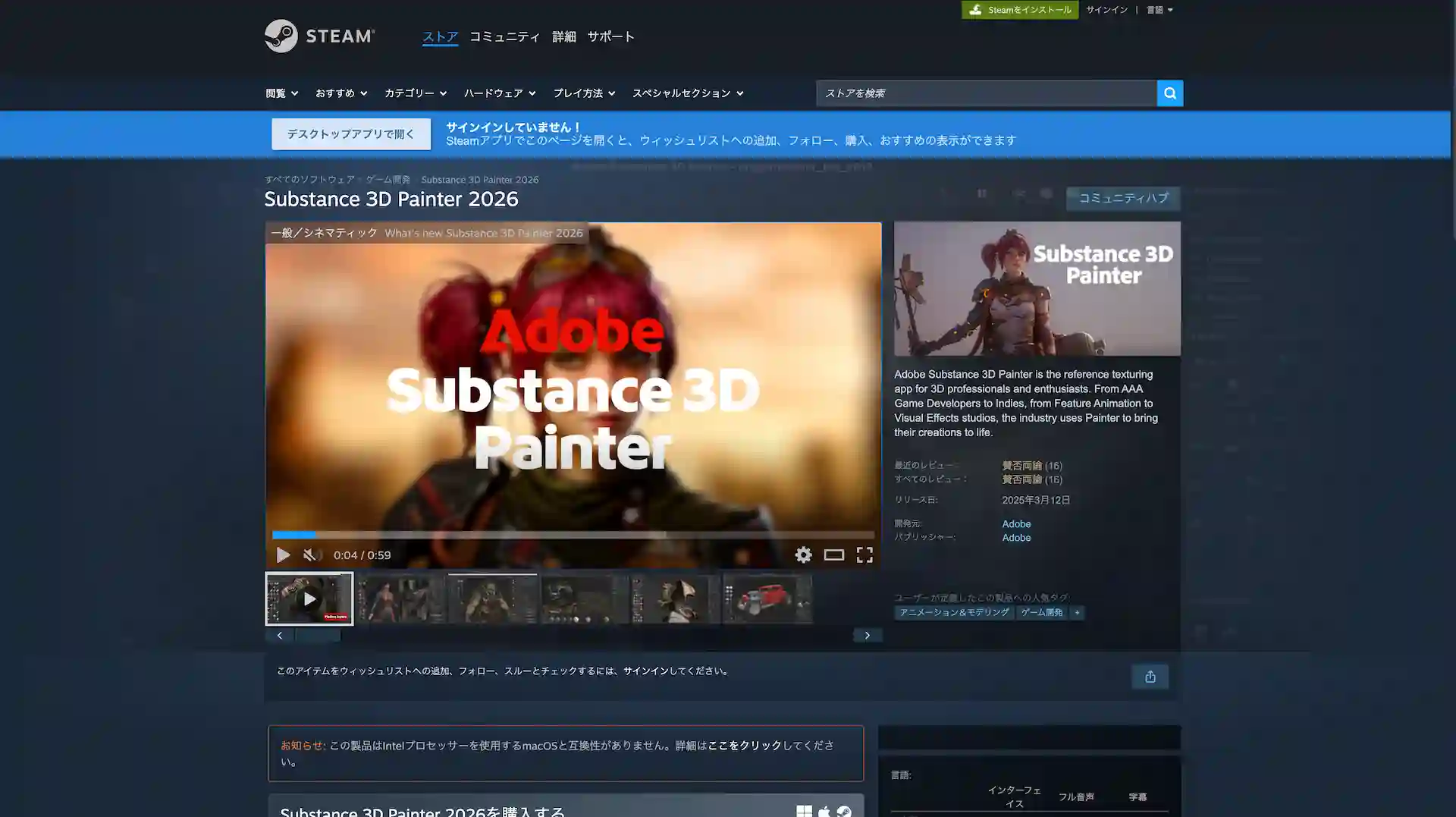
Steam公式 Adobeストアのページはこちら
Tags : 3D Adobe Substance 3D
編集記録
12/3 : キャンペーン期間延長の追記
Substance 3D 関連記事

08/21/2025

05/30/2025

03/27/2025
Your content goes here. Edit or remove this text inline
あわせて読みたい







design-offset.com
新着記事
03/26/2026
03/25/2026
03/22/2026
Your content goes here. Edit or remove this text inline or in the module Content settings. You can also style every aspect of this content in the module Design settings and even apply custom CSS to this text in the module Advanced settings.